Tampilkan postingan dengan label iOS. Tampilkan semua postingan

iOS 7.0.3 Rolled Out!!!!!!!!!!!!!!!!!!!!!!!!!!!!!!!!

Posted by Unknown Jumat, 25 Oktober 2013 0 komentar
Download icon

iOS 7.0.3

This update contains improvements and bug fixes, including:
  • Adds iCloud Keychain to keep track of your account names, passwords, and credit card numbers across all your approved devices
  • Adds Password Generator so Safari can suggest unique, hard-to-guess passwords for your online accounts
  • Updates lock screen to delay display of "slide to unlock" when Touch ID is in use
  • Adds back the ability to search the web and Wikipedia from Spotlight search
  • Fixes an issue where iMessage failed to send for some users
  • Fixes a bug that could prevent iMessage from activating
  • Improves system stability when using iWork apps
  • Fixes an accelerometer calibration issue
  • Addresses an issue that could cause Siri and VoiceOver to use a lower quality voice
  • Fixes a bug that could allow someone to bypass the Lock screen passcode
  • Enhances the Reduce Motion setting to minimize both motion and animation
  • Fixes an issue that could cause VoiceOver input to be too sensitive
  • Updates the Bold Text setting to also change dial pad text
  • Fixes an issue that could cause supervised devices to become un-supervised when updating software
Available via iTunes and wirelessly
For information on the security content of this update, please visit this website: http://support.apple.com/kb/HT1222
System Requirements
  • iPhone 4 and later
  • iPad 2 and later
  • iPad mini 
  • iPod touch (5th generation)
Supported Languages
  • Deutsch, English, Français, 日本語, Español, Italiano, Nederlands, Dansk, Norsk Bokmål, Polski, Português, Português (Brasil), Pусский, Suomi, Svensk, 简体中文, 繁體中文, 한국어, Bahasa Indonesia, British English, Crna Gora, Eesti, Hrvatski, Latviešu, Lietuvių, Magyar, Melayu (Malaysia), Română, Shqip, Slovenčina, Slovenščina (Slovenija), Tiếng Việt, Türkçe, Íslenska, Čeština, Ελληνικά, Български, Македонија, Українська, עברית, العربية (مصر)‏, ไทย

Baca Selengkapnya ....

Cydia - Apex Combines Your Applications in One

Posted by Unknown Sabtu, 05 Oktober 2013 0 komentar


After many successful Cydia tweaks such as Axis, Luna or the now famous Auxo the A3tweaks team offer very soon his latest creation. Born of a concept of the designer Sentry and made possible thanks to the work of the developer caughtinflux, Apex will offer you the possibility to combine several of your applications into one.

Set one of your applications as the main app and four other applications that will appear on the sides of the first, when you drag your finger up or down, from the same application.
With Apex you can combine 5 of your applications into one. Very convenient to place those of the same type instead of a folder witch, for sure, has the advantage of providing more space for other applications.


Result of a very good concept, Apex is a spectacular and very effective tweak. The animations are very smooth . If you are interested in this tweak, you have to wait a few more days, in fact, it is not yet available on Cydia.

Apex will be available on the Cydia Store via the BigBoss source, discounted price of $ 0.99 for a few days after launch, then its price will increase.


 Apex is now available on Cydia, got get it ! 


Baca Selengkapnya ....

Apple Says Small Fraction Of iMessage Users Having Issues And It’s Working On A Fix

Posted by Unknown Rabu, 02 Oktober 2013 0 komentar


Screen Shot 2013-10-01 at 9.04.37 PM

Over the last few days, we’ve been hearing reports of people having issues with iMessages, on both the receiving and sending ends. The complaints have grown in volume and frequency and we began inquiring about the issue yesterday.

Today, Apple tells us that the issue is affecting a ‘fraction of a percent’ of iMessage users, though that appears to include a big chunk of our timeline, anecdotally. Apple also says that it’s working on a fix for these issues that will come in a future update. Apple fixes bugs and issues on a ‘point release’ basis as it needs to, pushing out software updates that may have no other major changes.

If there’s one conclusion that we can draw from this statement, it’s that the software bug is in iOS, not on Apple’s servers. If it were, it would be able to fix it without a software patch. This could be why Apple’s iCloud system status page has continued to show a green light for iMessage. The system is working; it’s the client that isn’t.

Here’s the full statement from Apple:

We are aware of an issue that affects a fraction of a percent of our iMessage users, and we will have a fix available in an upcoming software update. In the meantime, we encourage any users having problems to reference our troubleshooting documents or contact AppleCare to help resolve their issue. We apologize for any inconvenience this causes impacted users.

If you’re interested in a quicker fix, the method spelled out in this support document has been working for some users getting sending errors. Basically you toggle iMessage off then use the Reset Network Settings function of iOS to clear activation. Turning iMessage back on re-authenticates your device with iMessage. And this fix appears to be temporary, going by some of the chatter we’re seeing on Twitter.

A more permanent fix will have to wait for the software update.

If you’re the kind of person that wonders why we post about iMessage statuses or outages, then this might be a good read. Apple is a services company through and through, even if it is in support of its hardware. People learn to rely on those services and are seriously inconvenienced, if not worse, when they’re unavailable. Yes, iMessage has a text fallback, but there are certain cases where that’s not available, and no modern backbone service should have to rely on a 20-year-old backup plan to save its bacon.

Via techcrunch


Baca Selengkapnya ....

Mac OS : iOS 7 Style

Posted by Unknown Senin, 30 September 2013 0 komentar

The designer Edgar Rios presents to us the following concept of his idea for a new Mac OS design in the style of iOS 7.
Over the years, there's always elements and and also features of iOS in the Mac operating system, and that's something Edgar is trying to show us in his design. It is very likely that the dynamic duo Ive and Federighi will make a big redesign in Mac OS. .However, no one doubts the fact that Apple is already busy working on the future of Mac OS.


Via everytechpro

Baca Selengkapnya ....

First Impression: BBM on Android (and iOS) Part 1

Posted by Unknown Rabu, 18 September 2013 0 komentar
BlackBerry on Android, must be the 'If I can't beat them, join them' kinda strategy. It is, since 2 years ago, the rumors of BlackBerry Messenger coming to Android has been floating like wild fire. It's not that it is an important move for BlackBerry, but ever since they lost their market and the failure of the numorous BlackBerry units selling as before in the market has put the in the corner of being one of the most high profile surrender to your competitors move. It was not the first time BlackBerry has done this, in the early years BlackBerry has given Windows Mobile (the years of stylus popularity) in April 2007. Now, September 2013, BlackBerry gives Android and iOS access to their so-called secure messeging channel of BBM. A new piece of historical milestone in technology industry.

Viral Marketing strategy.

BlackBerry has released a viral marketing strategy by throwing out a working beta version of Android apk in the Internet several times to create a buzz on BBM release on Android since last year. Recently, they actualy release a working apk downloadable in the Internet for those who are interested to try. This time around, potential users must provide email address to access their server and somehow it went through. The strategy relies on selected social media using tech savvy users.

What does this mean?

It is no secret that BB10 OS is not a success, the investment going into revamping the already dying OS by copying populars schemes, background, slide gestures and menu access are nothing new to Android, iOS and Window Phone users. The usage of soft keyboard to boost BB10 OS has not helped much. BB later released the old and tired physical QWERTY keyboard they popularized.
And as the closing statement, Research In Motion, the mother company changed their name to BlackBerry, and recently release a statement that in November they will announce the name of the company that will 'buy' BlackBerry.
BlackBerry, the giant, has fallen to a fruit and a little robot that took over the world.

BBM on Android and iOS Feels and Look

Let's just say it won't change much, but the looks has been long copied and now copying the competitors to gain popularity, which is a major failure. I tested the so-called beta version without beng able to access the server. It's stuck on Setting Up BBM cycle since the server is not up and running yet. One thing for certain, it will require min of Android ICS (4.0) anf iOS 6 to run BBM.


First Part Closing

I can respect BlackBerry as company with a principle to provide continuous communication solution to their users commitment. Even if there is a possibility that their company and technology will be destroyed by the new owner, they released BBM to the masses for continuous service for at least another year or two. As announced, 21st September 2013, everyone using Android can download BBM from the Playstore, iOS iTunes later that week.

BlackBerry is a sore winner, but at least they are a sore loser.

Baca Selengkapnya ....

FIFA 14 for iOS and Android to be free to play, demo for Xbox, PS3 and PC available September 10

Posted by Unknown Kamis, 05 September 2013 0 komentar

fifa14_gameplay.jpg
EA has announced that a FIFA 14 demo will launch worldwide for the Xbox 360 and PC beginning September 10, and for the PlayStation 3 on September 10 in North America, and September 11 in Europe.
EA also reiterated the launch dates for the game, confirming that FIFA 14 will release in North America on September 24 and worldwide on September 27 on the Xbox 360, PlayStation 3, Windows PC, Wii, Nintendo 3DS, PlayStation Vita, PlayStation 2, and PSP (PlayStationPortable). The game will also be available on Xbox One and the PlayStation 4 when the next-generation consoles come out later this year.
To ease the transition between the current and next-generation consoles, EA confirmed that fans will be able to bring their FIFA 14 Ultimate Team full roster, progress, in-game items and in-game currency (coins) from Xbox One to Xbox 360 and PS3 to PS4 so they can access and compete with their squads on either console throughout the season.
FIFA 14 on will be available on iPhone, iPad, and iPod touch as well as Android devices this fall. Buoyed no doubt by the success of Plants vs. Zombies 2 and Real Racing 3, EA has decided to make the game available for free on mobile for the very first time.
FIFA 14 is available for pre-orders now at EA's Origin online store and other retailers.
EA also confirmed that for the first time teams from Argentinean Primera Division will be featured in the FIFA franchise. This follows the announcement that the Chilean Primera Division and new Brazilian teams will be included in FIFA 14. With this, FIFA 14 ill feature 33 officially licensed leagues, over 600 clubs and more than 16,000 players.
Via ndtv 

Baca Selengkapnya ....

Service Center Adventure Report

Posted by Unknown Jumat, 30 Agustus 2013 0 komentar
As you might know, I have been using various brand of mobile phones: Motorola, Apple, Samsung, BlackBerry, HTC and Asus. Part of buying a new phone is also to know what and how is their Service Center works. If your phone has problems, you ight need to face them.

Here are my Reviews on branded phone and their Service Center:

1. Motorola

I have used Motorola Milestone, the GSM version of the original Motorola Droid for international market, for about nearly 2 years. It was my first Android phone.
The phone unit is heavy for its size, being made mostly from metal. The physical keyboard added it's weight. However, I have never have any problem with this unit and never sent it to service center. Brilliant product.
However, Motorola Service Center in Indonesia can be considered rare and hard to find. I don't know whether they are confident of their products or just too expensive to open more.

2. Apple's iPad

Well, it's obviously not a phone and don't make calls. But it is a gadget using SIM card and mobile Internet, so I put it in this list.
Service Centers are spread well. Easy to find also, like in Ratu Plaza, Roxy and Mangga Dua. However, the spare parts are too expensive, the service time is too long coz they need to send it to Singapore.
Unit itself is sturdy as long as you don't drop it. If you do, you're out of luck and need to prepare for the headache of expensive replacement spare parts.

3. Samsung

My first Samsung smartphone is Samsung Galaxy Note N7000, I bought it at its launch after waiting in a long line.
Out of all the service centers, Samsung is probably has the best valued service centers. Easy to find, service is adequate, if not better than competitors, and considerably Fast. Faster than competitors. In max 4 days, you either get your phone fixed or get to know when it will be done. The spare parts, although some are expensive, are reasonably priced. You know you bought a good phone that gets the best after sales when you buy a Samsung smartphone.
Samsung Galaxy Note is famous for having charger USB connector problems. Mine was the power input board got fried. So know it and be prepared.

4. BlackBerry

Fast, but illegal. Confused? BlackBerry, like other American companies, underestimate the huge population number of Indonesia, hence they don't immediately open a Service Center. So tons of non-motorized service centers Pop out everywhere. If you want the authorized service center, your unit will be sent to Singapore.
About 5 years ago, they finally open an office in Jakarta and has several authorized services centers. Nice strategy, fast service means losing your warranty. But for customers, bad after sales services for years and years
All BlackBerry units have problems with the pointing tools, track balls or track pads.

5. HTC

Among all, I must congratulate HTC as the worst service center for international companies, even worse than the local ones.
The staffs are polite but always ask to wait. My phone was held for repaired for 2 months and was asked to wait for another month. Apparently, this happens all over the world. Better avoid HTC if you can.
HTC always have spare parts problems, whether it's the screen or the charger connector or whatever. However, they do creatively build a functional and useful smartphones among all brands.

6. Asus

Asus Padfone 2 can be considered a successful smartphone / tablet. However the unit is easily damaged. You dropped it, just cry and don't bother to repair it. The spare parts are expensive.
The service staffs are very friendly and they always do what they promised. However, Asus internal procedure is slow. It took them 1 week to diagnose the problem, 1 more week to repair it if they have the spare part.

7. Nokia

Is probably the most experienced and the most professional among all smartphone service centers. Their service centers are located in the busiest phone reseller centers and each region has at least 1.
You probably need to wait in a long line cause they have the most units of mobile phones sold, but the service is quick, polite, spare parts always ready, and reasonably priced.

I put Nokia Service Center as the best smartphone service center in Indonesia.

Other brands that I have not been able to review is Sony, Huawei, ZTE, and LG. I have never used any of their devices so it's not fair for me to review them.

So there, those are my reviews of smartphones' brands' service centers. Feel free to leave any comment and share your experience also.

Baca Selengkapnya ....

iOS 7: What’s Changed Between Beta 1 and Beta 6

Posted by Unknown Jumat, 23 Agustus 2013 0 komentar

We covered extensively the details of iOS 7 when the OS was in Beta 1. We urged our readers to stay patient with it since it was obviously a Beta release and was missing stability for being a daily driver.


Since then, a lot of water has passed under that bridge and six iterations of Betas later, we have iOS 7 Beta 6 released last week. As registered iOS developers, we got chance to flash the Beta 6 version of iOS 7 and thought of giving it a shot once again. A lot has obviously changed obviously. Here are some of our observations of using Beta 6 from Beta 1 on iOS 7.


In case you missed out, you can check out our initial impressions of iOS 7 Beta 1here
The Animations Look Smoother


The animations stuttered their way around when we were using iOS 7 in Beta 1. They look a lot smoother and easier on the eye now. There is no jerkiness and transitions look a little more comforting to the eye. They still look a little slow, since we have been used to lots of cuts in iOS 6 which are pretty fast. This does give a feeling of slowness of the phone, but overall, they are a lot smoother and uniform across the board.
Fewer App Crashes


Pretty much expected, it is no surprise that on Beta 6 we have experienced far fewer app crashes and random behavior. Apart from a couple of times where the text field simply disappeared behind the keyboard and the Official Twitter app requiring long press on tabs to change them, things have been better. There is an odd moment when if you tap the app and it does not respond, but again, these instances are far and few now, a lot better than Beta 1.
The Icons look Better


It could simply be that we have adapted to the whole, iOS 7 theme and general flatness but icons look a lot better. They are definitely flatter than the first beta and color schemes have been changed on a few of them. Subtle changes or drastic ones, they definitely add a good look factor to iOS 7 now. Things are a lot more usable in the sense you do not feel that Apple have decided to simply put every single color on the palette in their OS.


Lesser neons or maybe we are used to it, whatever it is, its not as hideous
Battery is still meh


We know things are in Beta and eventually Apple will sort it out, but we have huge concerns for the battery life of iPhones on iOS 7. Simply, because there is a lot more under the hood, going on in iOS 7 than iOS 6. There is the whole dynamic wallpaper which means your gyro is constantly in use and obviously very heavy animation usage. We hope Apple do add in a feature where we can turn off the whole dynamic wallpaper thing, its pretty pointless. We got through our day with about 30% battery left in the tank, with iOS 7 Beta 6, it was down to about 5%.

However, till there is a Gold Master Edition, Battery performance can be excused, but its certainly something that Apple need to handle well, they struggled with battery backup on iOS 6 for a couple of versions too, and we can certainly see similar things happening again.
The Sensors Respond Better Overall


The sensors have definitely got better with time. We had terrible experience with auto brightness turned on where phone would actually lower the brightness in direct light and increase it in darkness. Also proximity sensor seems to be fixed, we did have issues on Beta 1 when even though call was disconnected the screen stayed blank and you had to wave in front of it to wake it up.
Settings App is a lot more Refined


There were major things missing from Settings App on iOS 7 Beta 1. Things like lack of Notifications previews, wrong app icons and grey color for input of passcodes. All that seems to have been sorted and finally settings app looks somewhere usable.
Miscellaneous


The music controls no longer overlap with the clock on Lockscreen. The keyboard though, is still stock on most apps as they have not been optimized for iOS 7. There are no more random deletion of text messages, and we are very thankful for that. Also improved is the Top bar, which used to disappear or simply behave randomly strange on iOS 7 Beta 1. Call quality has improved too.
Conclusion

By no means, again this is a conclusive article as far as iOS 7 goes, even in Beta. You cannot judge something in Beta unless you get to the Gold Master Edition. However, we like the direction in which Apple is taking iOS 7 and there is a good chance it may actually grow on us by the time it is out. A lot of issues that exist could well be ironed out and nobody would even remember this article by us.


Baca Selengkapnya ....

Asphalt 8 Airborne v1 iPad iPhone iPod Touch | Direct Link

Posted by Unknown Rabu, 21 Agustus 2013 0 komentar
BE THE FIRST TO DOWNLOAD ASPHALT 8 ON IOS DEVICES....


Info :

Code:
ITunes : https://itunes.apple.com/app/id610391947


The best iOS arcade racing game series reaches
a new turning point! Perform dynamic, high-speed
aerial stunts in an intense driving experience
powered by a brand-new physics engine! 


Description

*****LEAVE GRAVITY IN THE DUST *****
The best iOS arcade racing game series reaches a new turning point! Perform dynamic, high-speed aerial stunts in an intense driving experience powered by a brand-new physics engine!

LUXURY DREAM CARS
• 47 high-performance cars (80% NEW!)
• Top licensed manufacturers and models like Lamborghini Veneno, Bugatti Veyron, Ferrari FXX and Pagani Zonda R
• Newly recorded high-fidelity motor sounds for realistic audio immersion.

GET AIRBORNE
• Hit the ramps and take the race upward
• Perform barrel rolls and wild 360º jumps
• Maneuver through the air while pulling off stunts

NEW EXOTIC LOCATIONS
• 9 different settings like Venice, French Guiana, Iceland, the Nevada Desert & other exciting locations!
• All tracks available in original and mirror variations in Career mode
• Discover plenty of hidden shortcuts

NEW FEATURES FOR SPEED FREAKS
• 8 seasons & 180 events in the Career mode
• Stunning visuals thanks to next-gen shaders, real-time geometry reflection & other amazing effects
• Check out the new Infected and Drift Gate modes
• A detailed damage system

SIMULTANEOUS MULTIPLAYER & GHOST CHALLENGES
• Simultaneous multiplayer action for up to 8 opponents!
• Dare friends to asynchronous races
• Compare scores on the new leaderboards with friends and drivers around the world
• Share your racing achievements and prove that you’re the ultimate speed machine

MUSIC TO REV YOUR SOUL
• A heart-thumping mix of amazing licensed music
• Featuring tracks from Bloc Party, Mutemath & The Crystal Method!


______________________________________________

Visit our official site at http://www.gameloft.com
Follow us on Twitter at http://glft.co/GameloftonTwitter or like us on Facebook at http://facebook.com/Gameloft to get more info about all our upcoming titles.
Check out our videos and game trailers on http://www.youtube.com/Gameloft
Discover our blog at http://glft.co/Gameloft_Official_Blog for the inside scoop on everything Gameloft.
Gameloft Web SiteAsphalt 8: Airborne Support


SCREENSHOTS:


Links :


ExpreesLeech : [Direct Link]

Code:

http://expressleech.com/moiwwy3md19w/Asphalt.8.Airborne.v1.0.0-iPad.iPhone.iPod.Touch-9Games.iR.rar.html


UploadsCenter : [Direct Link]


Code:

http://www.uploadscenter.com/yo7az053dcz5


Davvas : [Direct Link]

Code:

http://davvas.com/pvprwhrbj6e4

Baca Selengkapnya ....

First Impression: Google's Chrome Cast

Posted by Unknown Kamis, 25 Juli 2013 0 komentar
Incredible, I have waiting for Google class product(s) that will make a regular HDMI capable TV into something more than just a "dumb" TV, and here we are. As I have predicted in January, an Android thumb size internet TV enabler will be the game changer, it has. Although the China's Android mini PC didn't hit the mark due to over heating and easily bricked component, like the picture below, their development continues to quad-core class processor.


Now, mid 2013, Google finally release the new Chrome Cast. Of course, Google starts the basic with WiFi based connection and streaming from your devices: smartphones, tablets, or PCs, as long as you have Google Chrome, that means iPad, iPhone, iPod Touch, Linux, Ms Windows, but no BlackBerry). The connector is HDMI so it is universal, giving the stream a HD capable presentation, limited only by your WiFi bandwidth.


Is Google too late? Yes and no. Yes because Apple has thrown out their Apple TV, Samsung has perfected their AllShare Dlna connectivity, Sony has improved their cross smartphones/tablets to TV sharing using WiFi in combination with NFC, and China's produces Android microPC like chocolate bars to push regular HDMI capable TV into Internet Smart TV. No because Google needed the time to perfected the micro system of connectivity and usability. With the new improvement that Sony has released few months ago, Google finally has the methodology of easy connection and streaming quality multimedia from Chrome enabled devices to TV.

Is it great? Not yet. It still needs time to develop further with services and stability. Google didn't joke around and dump power supporters into Chrome Cast.


These included features (Netflix and all Google products/services like YouTube, Music, etc) are the one that will drive new generations to buy this product. Of course $35 a pop is certainly an Apple TV killer on the loose.

Here are the nagging question: why don't Chrome Cast has a mini/micro SIM card slot to enable independent connectivity? The answer lies on whether or not you want to carry around your HDMI capable TV? Obvious, isn't it?

My nagging question is, why not propose Chrome Cast to HBO Networks, Fox, Warners, and others alike as the subscription tool? Here goes the death of TV Cable and the rise of Broadband and WiMax providers.

Of course, these all are predictions and still to be seen in the future. Why not share your comment and we'll discuss this further.

Baca Selengkapnya ....

Password Manager: Dataviz's PasswordPlus

Posted by Unknown Rabu, 17 Juli 2013 0 komentar

Ever having problems on how to keep your list of passwords and usernames together, as secrets but accessible anytime you need one of them?

In Android and iOS, there are tons of password manager apps, from paid to free, localized to online. But which is better?

The answer is of course depending on what you need. Not one is better nor worse. I can tell you my experience which I think will help a bit.

I have used several password manager myself. Like everyone, I have so many access usernames and passwords that it gave me a headache to remember them all, despite the similarity of the usernames and passwords. So, I decided to use password manager to simplify my life.

Easy enough, I have tons of options. However, just last year, Dataviz, the maker of Documents Togo, published a new app called PasswordPlus. It's basically a paid app. But it has several features that I like.

The advantages :
+ single access master password to remember
+ quite a versatile database entry system
+ sync to PC, Mac OS, Android, and iOS with multiple units on each platform
+ Dataviz doesn't keep you sync keys so only you have it

The disadvantages :
- not even Dataviz has your sync key
- rather slow synchronization
- lose the master password or sync key means losing all your data

I have been using PasswordPlus for about 6 months and I must say I'm impressed. I don't easily impressed with password manager and this one is basically has all the stuff I need. Synchronization across gadgets is a benefit I don't expect to praise. Meaning anytime you need, you access any device you have and it's there. Whether it is a bank account, online access, cloud access or anything, PasswordPlus prepares the entry system securely.

However, there is a precaution. I had the most unlucky scenario that even Dataviz didn't expect to happen. All my smartphones were damaged : Samsung Galaxy Note required a power board replacement, Asus Padfone 2 required mother board replacement, and I have no clue what my HTC Desire VC needed a replacement, and worse I have no laptop to go back to. Hence all access to PasswordPlus sync key are gone. So when I log in to my master password, PasswordPlus asked my sync key from of of my device and it's not there. So. If you want to use PasswordPlus, make sure you keep the sync key in a locked safe written manually.

Otherwise it is the best password manager I have ever used.


Baca Selengkapnya ....

Rumor: BlackBerry Messenger Hitting Android and iOS on June 27

Posted by Unknown Rabu, 05 Juni 2013 0 komentar
Now one more reason joins young folks to enjoy, as popular BlackBerry Messenger is reportedly coming to Android and iOS on June 27th. In middle of may, Blackberry had officially announced that it is planning to release BlackBerry Messenger application in Android and iOS but had not declared release date. Recently only it was stated on Twitter that most demanding chat will be arriving on both platforms later this month.


Image courtesy of Gsmarena

By seeing all this news, I can only say that I am very much excited about BBM which is coming after Google Hangouts. But we have to wait till official BBM’s announcement, as now it’s only highlighted in Twitter account.

We can expect some of the popular BlackBerry Messenger features in Android that include BlackBerry Groups, voice note sharing, multi-person chat and the same quick service that current BBM users experience. Till now this all things are just like rumor until official date from BlackBerry themselves.

Baca Selengkapnya ....

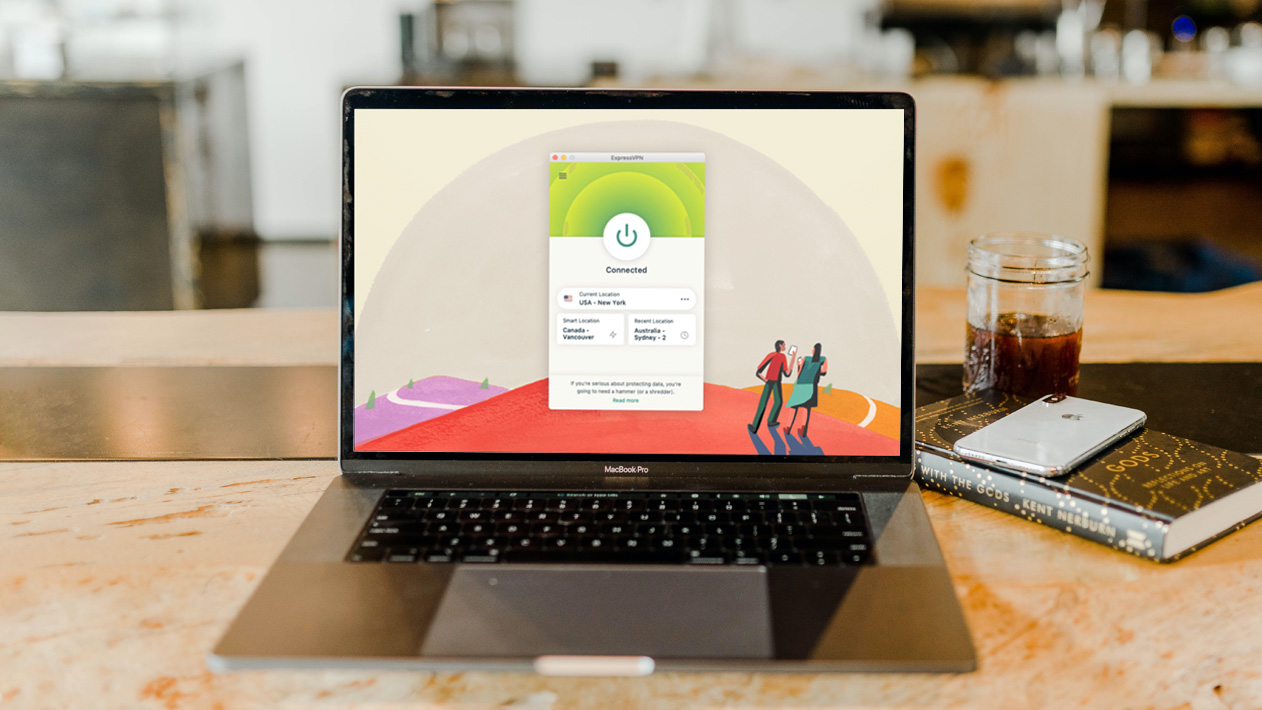
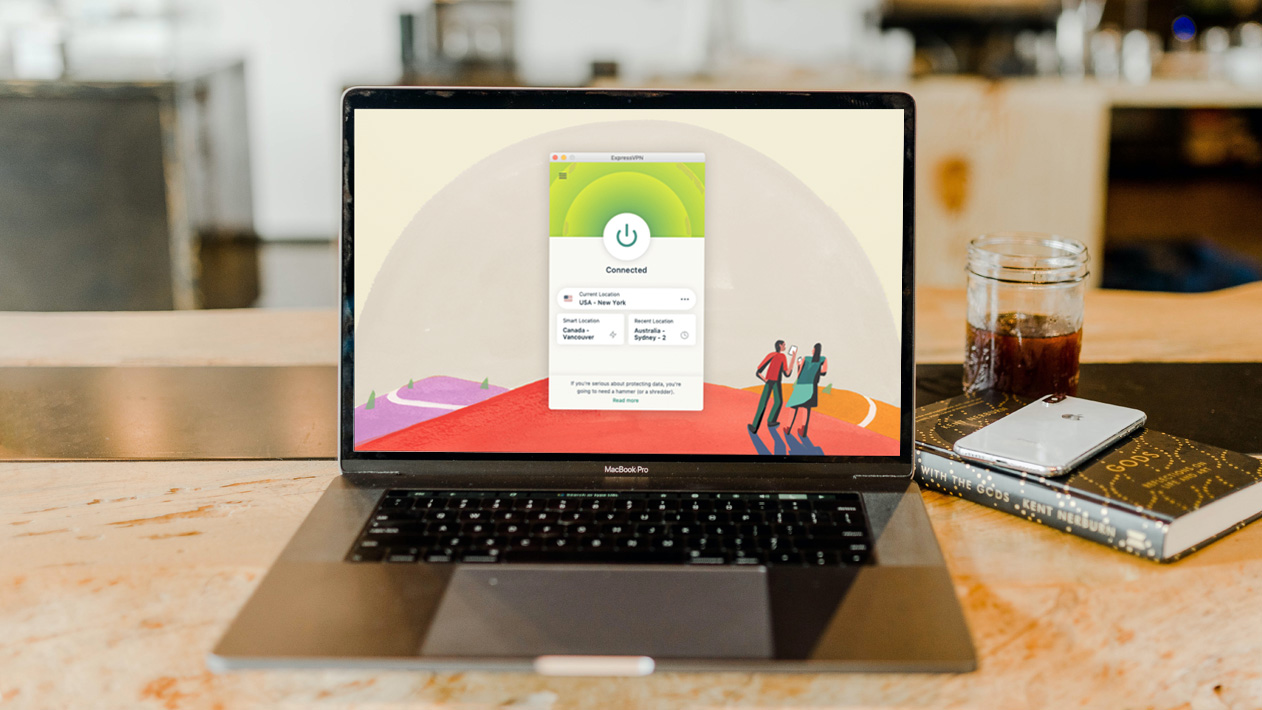
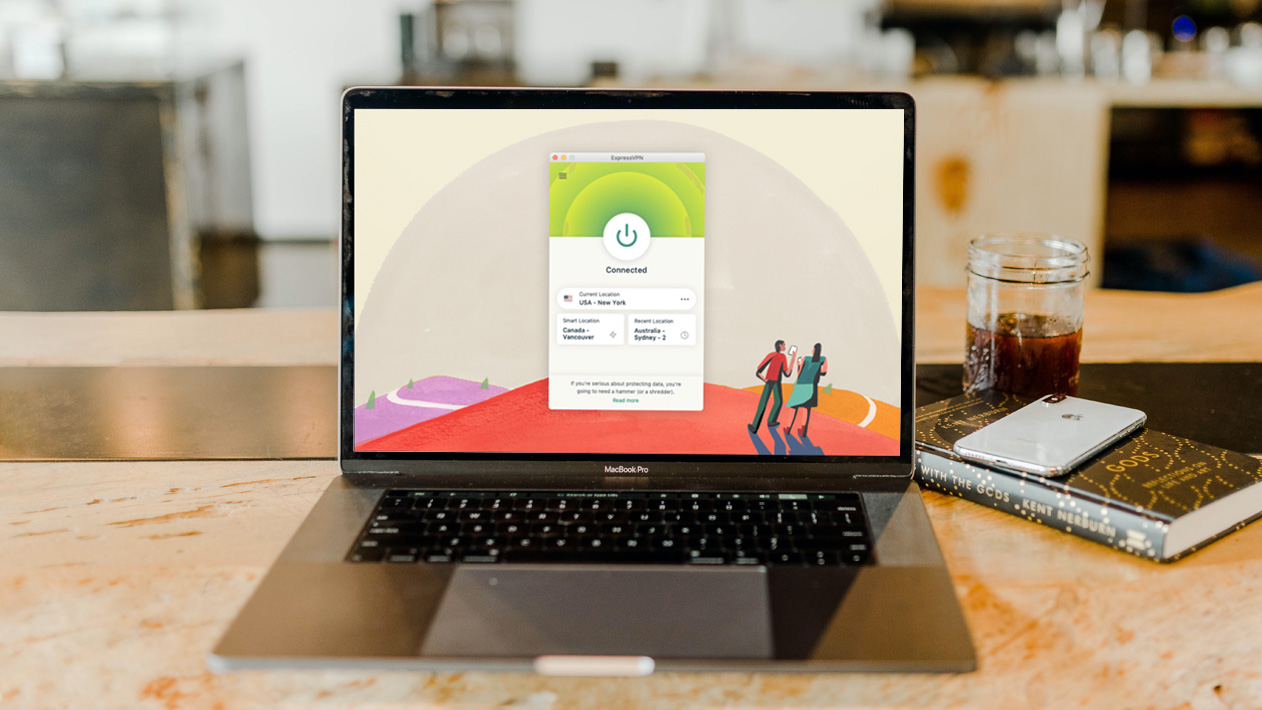
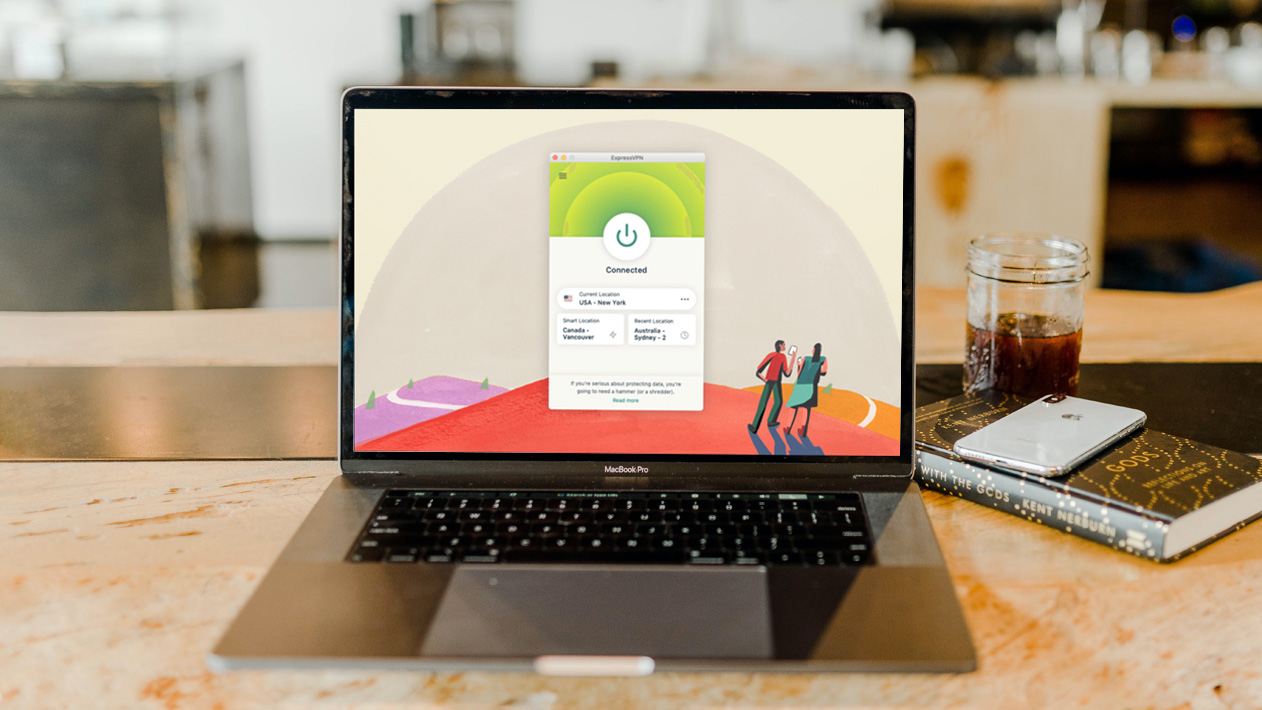
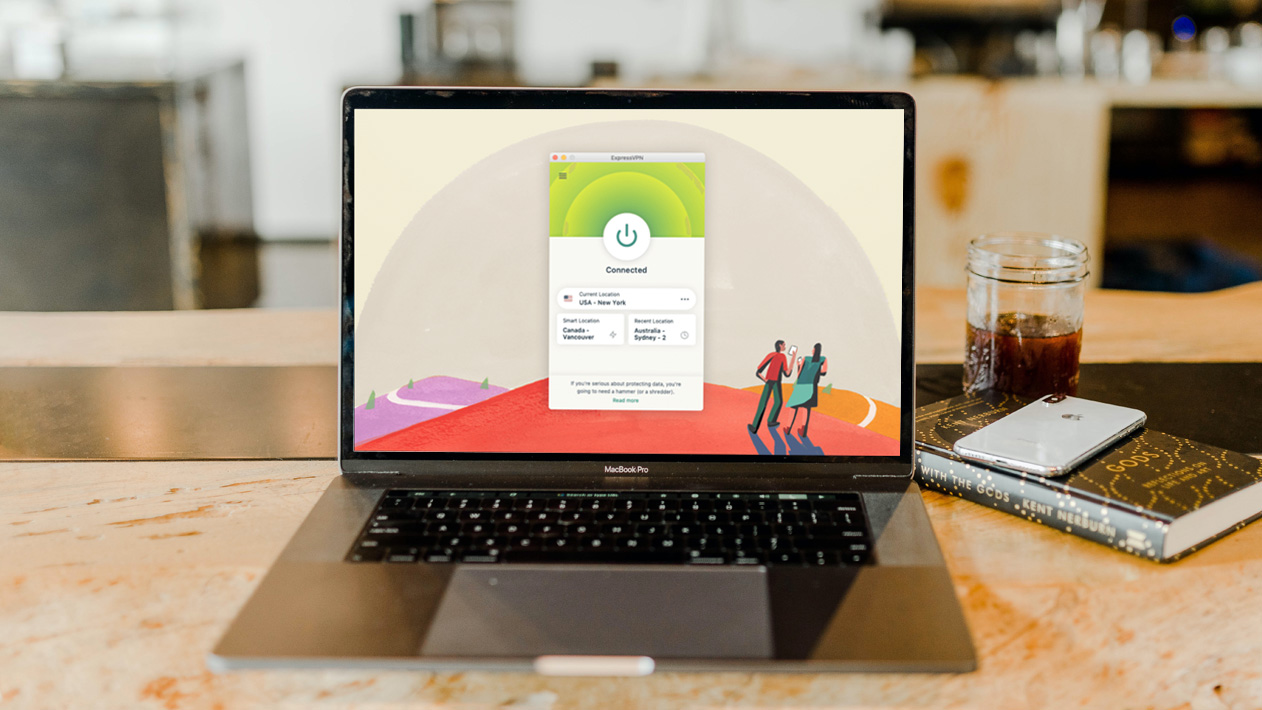
The Benefit of VPN.

Posted by Unknown Sabtu, 05 Januari 2013 0 komentar

VPN or Virtual Private Network. This network feature exists in nearly all modern latest PC and smartphones. In concept, VPN drill a pipeline into existing network you are using, turning your connection into a private network by protocol. Originally design for corporate security when connected in public network, VPN has become common feature in todays computer powered tools, PCs laptops, tablets and smartphones. Most people don't use this feature because it is too complicated to use. Nowadays, there are so many shortcuts available for anyone to use VPN without any technical knowledge.

Before we explore the VPN feature activation applications in the market, it's best if we explore the benefits of VPN.

1. Enhance Security.

Especially important when you are travelling. Connecting public network, such as in cafe, hotel lobby, airport, etc., regardless how secure the connection is, still opens a possibility of someone hacking your connection, hence your data becomes less private.

Using VPN adds a layer of shield to your connection. Imagine your connection is a strand wire, using VPN add a hose surrounding your wire, thus suspiscious character(s) needs double efforts to get to your precious data. This is also the reason that corporation use network login page for you to access company's database. That first login is actually the VPN connection.

2.  Enhance Privacy.

VPN also add privacy enhancement to your equipment. When you access a website, the website servers also access your equipment at least for your identification and location. Nowadays, with smarter websites, smartphones, applications, high capacity processors and connections, more data transactions are exchanged in each connections.

When you activate VPN and connect to the VPN servers, some of your personal and private data are hidden, such as your real location is hidden behind the VPN server location (note: turning on GPS confirms your location), your identity will be revealed as the login of VPN server,

With the 2 mentioned benefit above, you gained additional benefit:

3. Hiding your location when browsing

Since website you visited caught the location of the VPN server you use, your true location is hidden. Yes, you browse websites that usually blocked in your country. Note: most VPN service is paid service, some are full malware, and some are blocked by the provider.

4. Hide your location

Imagine sending an email and saying you are outside of the country, and it can be proven. Looks like a good spammer tool, doesn't it? But a good tool to hide your real location nonetheless.

How to easily activate VPN feature in your PC and Macbook? Simple, Google VPN and you will be presented with tons of options.

For Android phones and tablets, type VPN in Play Store search box and you can choose the one suited your usage.

For iOs phones and tablets, find VPN in the store.

I am honestly not sure if Windows phones store has it, if you find them, let me know.

To close this article, I think VPN is a feature that useful for work and play. Enjoy it.

Additional note: I will write an article on how to activate VPN in Samsung Galaxy Note in my other blog (mysamsunggalaxynotejournal.blogspot.com).

Happy New Year 2013


Baca Selengkapnya ....

A Story of Ralf Rottman in Gizmodo

Posted by Unknown Jumat, 04 Januari 2013 0 komentar

An iPhone Lover’s Confession: I Switched To the Nexus 4. Completely. http://gizmodo.com/5973073/


Baca Selengkapnya ....
Trik SEO Terbaru support Online Shop Baju Wanita - Original design by Bamz | Copyright of apk 1mobile.